Start with what you want to say.
Bring a product, service, offer, or campaign idea into Voccal, then choose the delivery style that will make its value easiest to understand: Dialogue, Product, Podcast, Documentary, or Presentation.

Voice-led storytelling for brands
Create original voice-led stories that make what you offer clearer, more memorable, and easier to choose. Use them across your website, ecommerce store, social campaigns, launches, and presentations.
Voice-led stories for products and services
Help people understand what you offer, why it matters, and why they should care. Voccal brings together the script, voices, visuals, and finished render so your message is ready to share wherever your brand shows up.
Hear the work
How it works
Bring a product, service, offer, or campaign idea into Voccal, then choose the delivery style that will make its value easiest to understand: Dialogue, Product, Podcast, Documentary, or Presentation.
Add the script or prompt, choose the voices, and set the visual direction, title, and aspect ratio that make the finished story feel unmistakably like your brand.
Render the piece, review it in the playlist, then download it or share a focused review link when it is ready to build attention on your website, store, campaign, or presentation.
One place to make the whole story
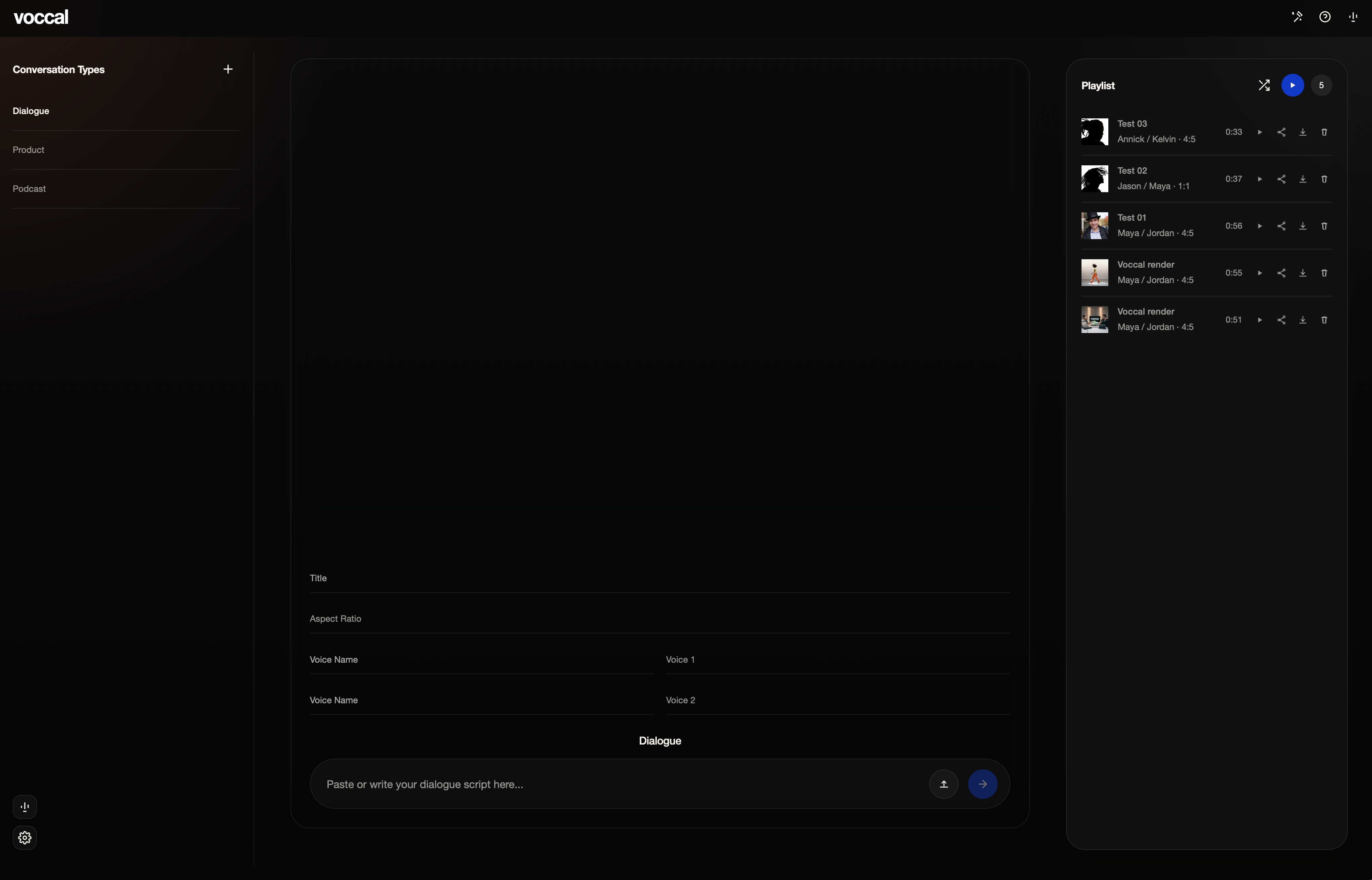
Voccal helps you create voice-led stories for products, services, offers, campaigns, and brand ideas. They make what you offer easier to understand and remember. Use Dialogue for conversations, Product for direct benefit-led stories, Podcast for host-style delivery, Documentary for narration, and Presentation for visually led pieces.
Use finished stories wherever people meet your brand: on your website, in ecommerce, across social campaigns, for launches, sales materials, and presentations. One clear story can give the same message more impact across every channel.
Start with the product, service, offer, or idea you want to communicate. Add a script or prompt, choose the voices and visual direction, then create a finished render that helps people quickly understand what matters.
Yes. Voccal is designed to help brands make what they offer clearer and more memorable, whether you are introducing a product, explaining a service, sharing an offer, or launching a campaign.
Yes. Choose the voice or voices that give the story its point of view and make the message feel more distinctive. Dialogue is made for two speakers trading lines, while other delivery styles can use the voice structure that best fits the piece.
Your finished render stays with the project. Save it to the playlist to replay and compare it, then download the file or share a focused review link when it is ready to use.